
Dehook
Protective Ai for your feed
Dehook in action — filtering your YouTube feed in real time
How it works
Install the extension
Add Dehook to Chrome and connect it to a local Ai model running on your machine via Ollama.
Set your rules
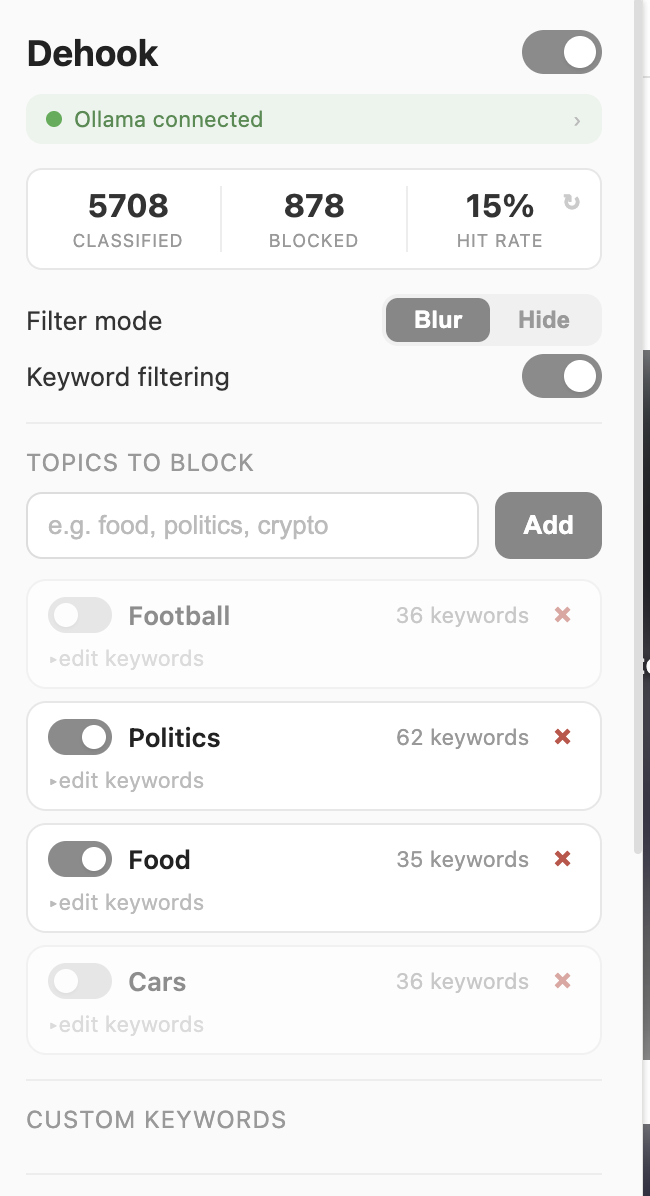
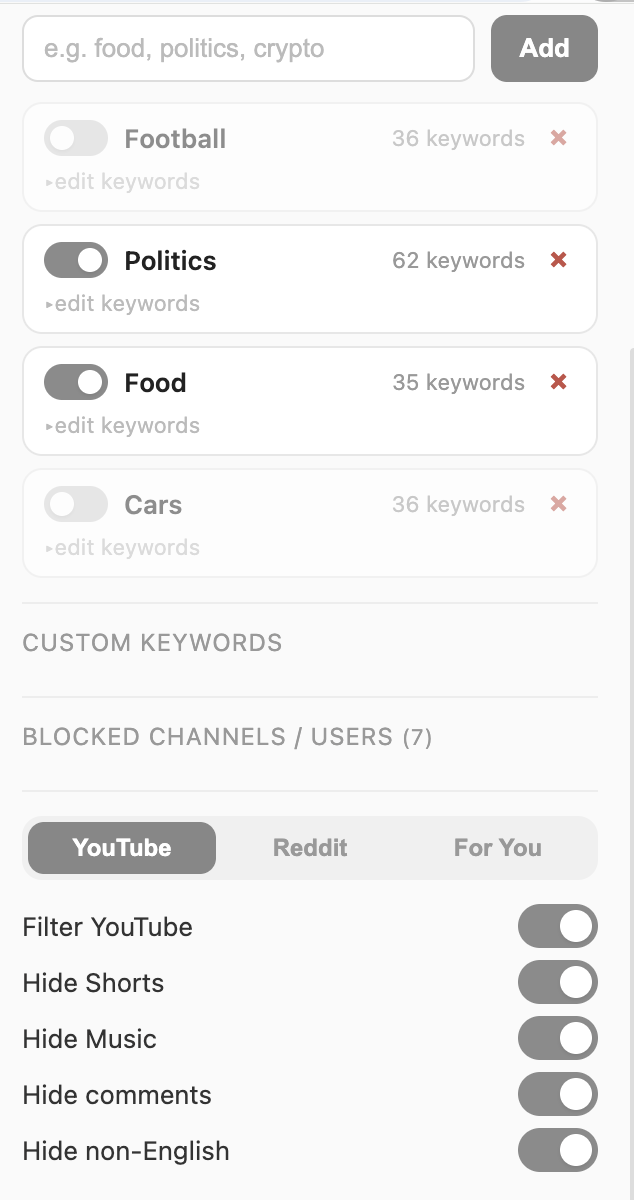
Choose which topics, channels, and languages to block. Toggle features like hiding Shorts, music mixes, or comments.
Browse freely
Dehook scans your feed in real time, blurring or hiding content that matches your filters. Click to reveal anything you want to see anyway.
The algorithm works against you
YouTube's recommendation engine is an Ai designed to maximize your watch time — not your wellbeing. It feeds you clickbait, rabbit holes, and content you never asked for. Dehook fights back with Ai that works for you, not against you.
What Dehook does
Dehook is a Chrome extension that runs a local Ai on your machine to filter your YouTube feed in real time. You set the rules — which topics, channels, and languages you want to block — and Dehook enforces them before you even see the content.
Topic Filtering
Block entire categories like crypto, politics, or drama. The Ai classifies every title and filters what you don't want to see.
Language Detection
Getting recommended content in a language you don't want? Dehook detects and filters it automatically.
Keyword Blocking
Set specific keywords to block. Dehook even uses Ai to expand your keywords to catch variations you didn't think of.
Comment Summarization
Hide comments to stay focused, but still get the gist. Dehook summarizes the most important comments with one click.
100% local. 100% private.
Dehook runs entirely on your machine. Your data never leaves your computer. No cloud, no accounts, no tracking. The Ai model runs locally through Ollama — your browsing habits stay yours.
Take back control of your feed.
Download for Chrome